
Toolbox
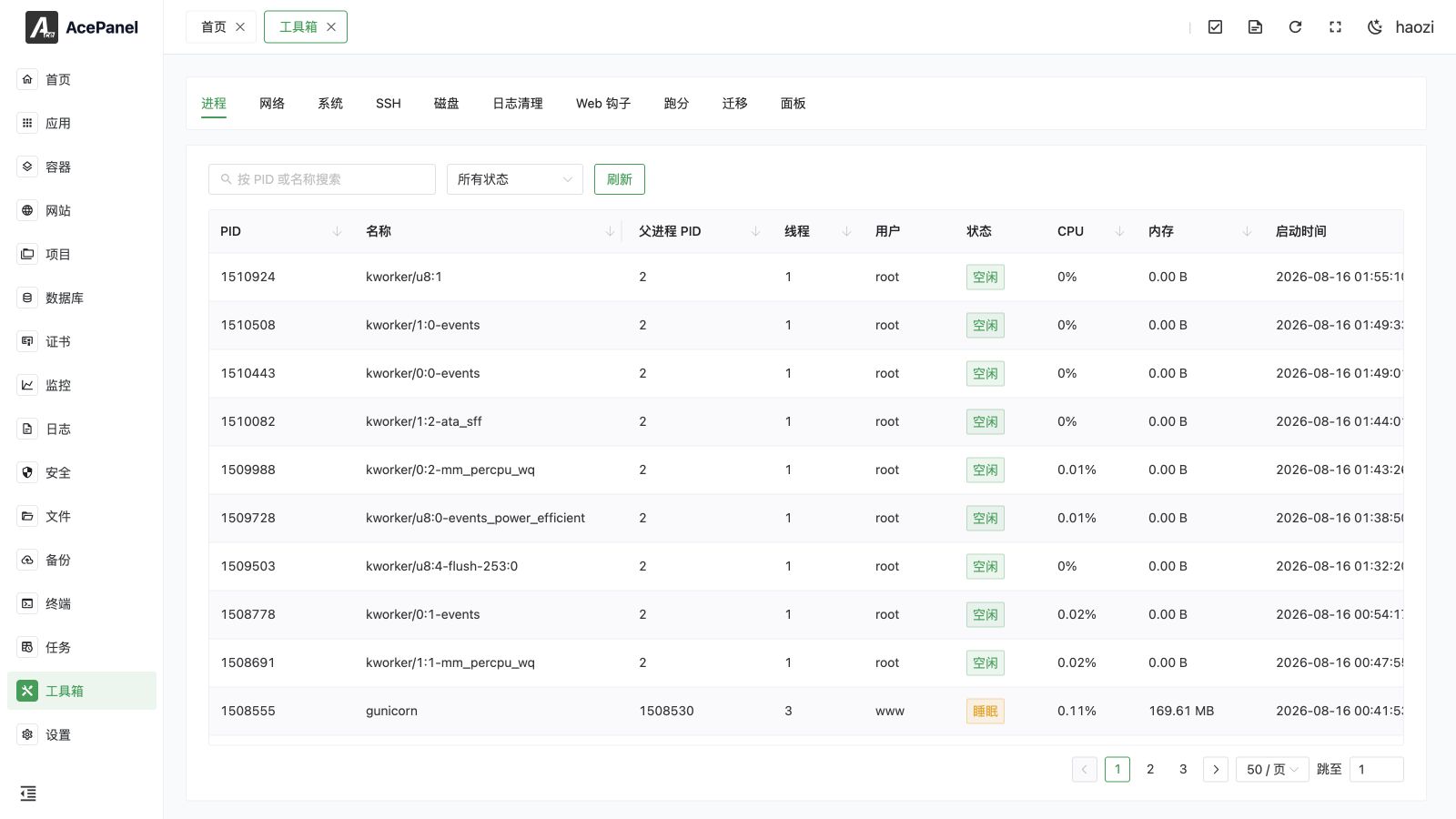
The toolbox provides a series of system management tools, including process management, network connections, system information, SSH configuration, disk management, log cleanup, and more.
Feature List
The toolbox is organized into the following tabs:
| Feature | Description |
|---|---|
| Process | View and manage system processes |
| Network | View system TCP/UDP network connections |
| System | View system information and configuration |
| SSH | SSH service configuration |
| Disk | Disk usage and management |
| Log Clean | Clean up system logs |
| Web Hook | Configure Webhook notifications |
| Benchmark | Server performance testing |
| Migration | Migrate data to another AcePanel |
| Panel | View the panel's runtime information |
Choose the Right Tool
| Need | Open |
|---|---|
| Find a high-CPU process, open file, connection, or physical disk I/O source | Process |
| Inspect sockets or safely change an interface address, gateway, or DNS | Network |
| Manage Swap, host name, Hosts, timezone, time, or NTP | System |
| Change the SSH daemon port, authentication, root policy, password, or key | SSH |
| Partition, format, mount, configure LVM, or inspect SMART and RAID | Disk |
| Estimate and reclaim space used by logs | Log Cleanup |
| Expose a controlled script endpoint to Git or CI/CD | WebHook |
| Measure CPU, memory, or disk performance during a maintenance window | Benchmark |
| Move supported resources from AcePanel, BaoTa, or 1Panel | Migration |
| Diagnose AcePanel's Go memory, garbage collection, or goroutines | Panel |
The Network tab lists TCP and UDP connections and safely edits supported NetworkManager, netplan, and ifupdown interface configurations.
The Migration tab moves supported websites, databases, users, and projects from AcePanel, BaoTa, or 1Panel.
The Panel tab shows the panel's own runtime information, including uptime, Go version, memory and heap statistics, GC metrics, and goroutines, which is useful for diagnostics.
Next Steps
- Process Management - View and manage system processes
- Network Connections - View TCP/UDP network connections
- System Information - View system configuration
- SSH Configuration - Configure SSH service
- Disk Management - Manage disk space
- Log Clean - Clean up system logs
- Web Hook - Configure notifications
- Benchmark Test - Test server performance
- Migration - Migrate data to another AcePanel
- Panel - View the panel's runtime information